



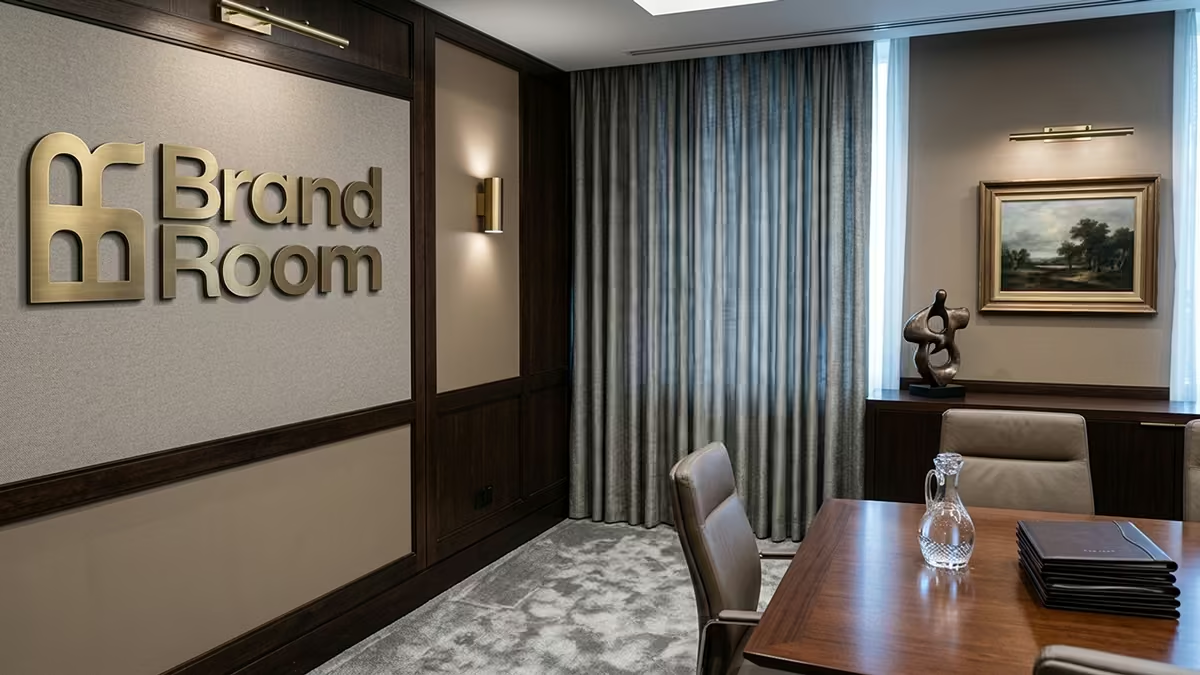
Branded virtual backgrounds that look real on Zoom, Meet, and Teams
Look established on video calls without looking fake.
BrandRoom helps client-facing professionals create branded backgrounds that feel believable on camera, so they can show up looking established, on-brand, and ready for real meetings.
Try 1 background free with watermark. No credit card required.
No office redesign required
No design skills needed
No fake-looking template feel
No prompting rabbit hole
Start with your logo.
Upload your logo to create a branded background you can actually use on calls.
Upload your logo file
PNG, SVG, or JPG up to 10MB
We carry your logo into the next step so you can keep going without re-uploading it.
Why it looks believable
Why BrandRoom looks believable on camera.
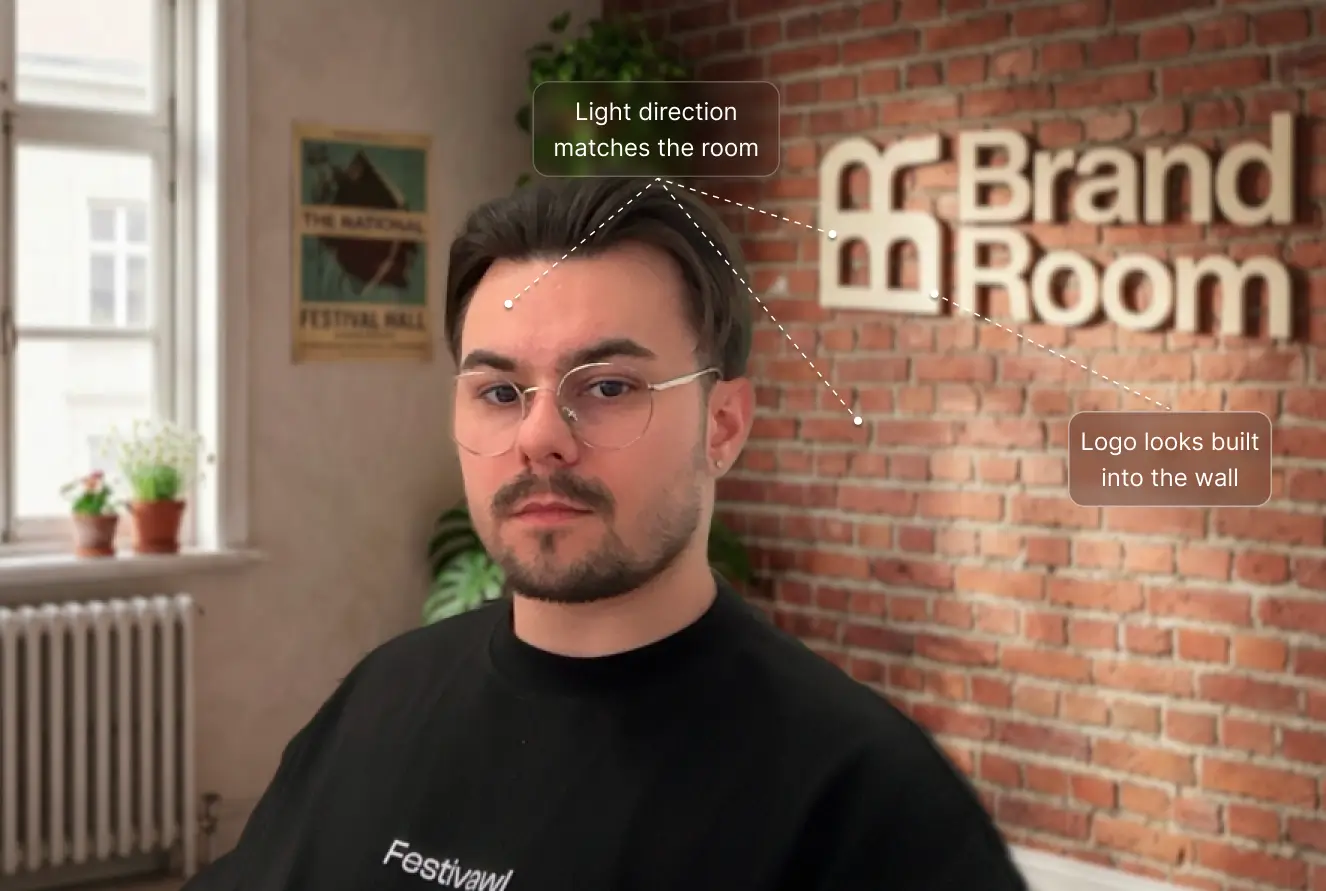
BrandRoom does more than place your logo in a room. It makes the logo, lighting, and scene feel like they belong together, so the final frame looks polished, natural, and usable on a real call.
Logo placement that feels built in
Your logo feels like part of the room, with believable scale, placement, and presence instead of looking pasted on.
Lighting that matches the scene
The room, logo, and on-camera setup sit in the same lighting family, so the scene feels natural instead of stitched together.
Depth that reads like a real space
Shadows, highlights, and contrast stay consistent across the frame so the background reads like a real space, not a generated one.
See the final frame
Examples that show how you can look on a real call.
Different professionals need different levels of polish. These examples show the kind of call presence BrandRoom can create before someone chooses a room style.
Who it's for
Made for professionals whose call presence affects trust.
Consultants
Look more established in discovery calls, strategy sessions, and premium client meetings.
Sales teams
Keep demos and pipeline calls polished without asking every rep to fix their own setup.
Agencies
Present work from a cleaner, sharper frame that reinforces precision and brand consistency.
Recruiters and operators
Create a more professional call presence without changing your physical office.
Simple workflow
From logo to call-ready background in minutes.
Step 1
Upload your logo
Start with a PNG, SVG, or JPG. If your file needs cleanup, BrandRoom handles it for you.
Step 2
Choose your room style
Pick the room style that fits the meeting, then adjust placement and lighting inside the generator.
Step 3
Download your background
Download a polished background for Zoom, Meet, or Teams before your next call.
Pricing
Try one free. Upgrade to get more polished options until one feels right for your calls.
Start with one free background to test the result. Paid packs remove the watermark and give you a few strong variations to choose from.
Free
Free
1 background
- 1 background
- Includes watermark
- 1440×810 resolution
Most Popular
Starter
$15
5 backgrounds · $3.00 each

- 5 background options
- No watermark
- 1920×1080 HD resolution
- Lighting matching and regenerate option
Pro
$35
15 backgrounds · $2.33 each

- 15 background options
- No watermark
- 1920×1080 HD resolution
- Lighting matching and regenerate option
Studio
$99
50 backgrounds · $1.98 each

- 50 background options
- No watermark
- 1920×1080 HD resolution
- Lighting matching and regenerate option
Ready for your next call
Show up more polished on your next call.
A better background will not win the meeting for you. It will help you look more credible before the conversation starts.
One free background with watermark. No credit card required.